


Poseidonwin Mobile Access
Installing the Poseidonwin app removes many of the small limits that come with mobile browser play. It keeps the same core features as the website and adds a cleaner app-style experience, including full-screen mode and adjustable push notifications. Setup takes only a short time, and the app works on Android, iOS, Windows, and macOS devices.



Using Poseidonwin on Mobile
Many players choose the Poseidonwin Casino mobile app because it makes access easier away from a desktop. It suits short sessions during travel, breaks, or any moment when opening a laptop is not convenient. Fast games also fit mobile use well, since they do not require long rounds or complicated preparation.
Desktop access still has its own advantages. A larger screen helps players see game details more clearly, and typing account or payment information can feel easier with a keyboard. On mobile devices, Poseidon Win improves this process with biometric login, where Face ID or fingerprint access is supported.
PWA
Poseidonwin uses PWA technology because it keeps installation simple and avoids the need for external downloads. Unlike APK files, the app can be added quickly even when the internet connection is not perfect.
The app comes directly from the official Poseidonwin website. This helps players avoid third-party sources and keeps the setup process more controlled. The app also takes very little storage space, which is useful for devices with limited memory.
Poseidonwin App for Android
The Android version of the Poseidonwin app was built with regular player habits in mind. The game library stays available inside the app, and users can also manage their account details, check bonus progress, and review payment history without opening the full browser version.
| Step | Action |
| 1 | Open the Poseidonwin website in a supported browser |
| 2 | Tap the browser menu near the address bar |
| 3 | Choose “Add to Home Screen” |
| 4 | Keep the suggested name or enter your own |
| 5 | Confirm the action and wait for the icon to appear |
After signing in, players can use the main casino features from the app icon on their home screen.
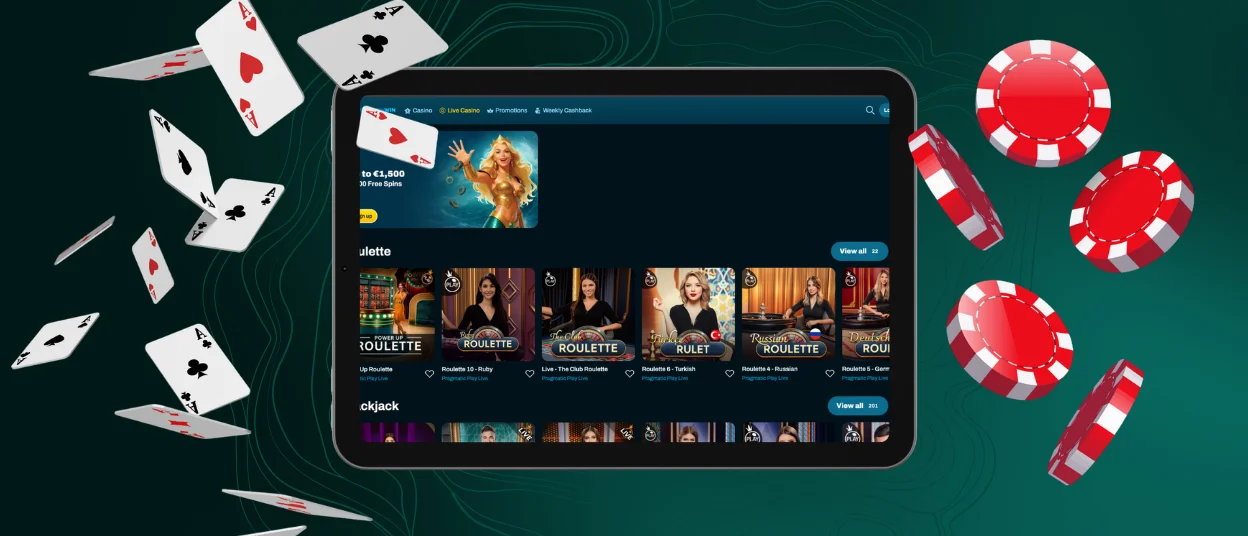
Poseidon Win App for iOS
Installing the Poseidonwin Casino mobile version on iPhone or iPad follows a similar process. There is no need to open the App Store. Players only need to visit the website in Safari and use the Share button at the bottom of the screen.
After that, choose “Add to Home Screen,” confirm the app name, and wait for the icon to appear. Once the shortcut is ready, the player can open it and sign in. If something goes wrong during setup, support is available through live chat at any time.

Desktop App for Windows and macOS
Poseidonwin also has a desktop version for Windows and macOS. This option gives players a separate app window and improves some features that are more limited in a browser.
The desktop app supports better notification control, native full-screen mode, and smoother game loading. To install it, players can use the install button in the browser address bar and confirm the action. A few seconds later, the Poseidon Win app appears on the desktop and can be opened like regular software.
Device Compatibility
Poseidonwin stores account data on platform servers, so players can move between devices without losing access to their profile, bonuses, or settings. For example, a user can start wagering a bonus on a computer and then continue checking progress from a phone. The only exception is an active game round. If a player switches devices during gameplay, the session may close on the original device, and the round may not be refunded.
It is also worth checking the basic system requirements before installing the app.
- Smartphone Android: Android 5.0 or newer is required. A Chrome browser or PWA app is recommended.
- Smartphone iOS: iOS 11.0 or newer is required. Safari or PWA access is recommended.
- Computer Windows: Windows 7 or newer is required. A supported browser or desktop app is recommended.
- Computer Mac: macOS 10.12 or newer is required. Safari or Poseidonwin software is recommended.
FAQ
Do I need to sign up to use the Poseidonwin app?
Registration is not required right away. Players can open Poseidonwin Casino, explore the interface, and try demo versions before creating an account. Full access, including real-money play and withdrawals, becomes available only after registration.
Is customer service available in the Poseidon Win Casino app?
Yes, support can be reached through the app. The chatbot may handle simple questions first, and if the issue needs more attention, the request moves to a support specialist. This gives players help with both quick problems and more detailed account questions.
How do I update the Poseidonwin app?
The Poseidonwin app updates automatically because it uses PWA technology. Players do not need to install new versions manually. Updates run in the background, so the app stays current without extra steps.


